Open Today Sales: 8:30 AM-8 PM


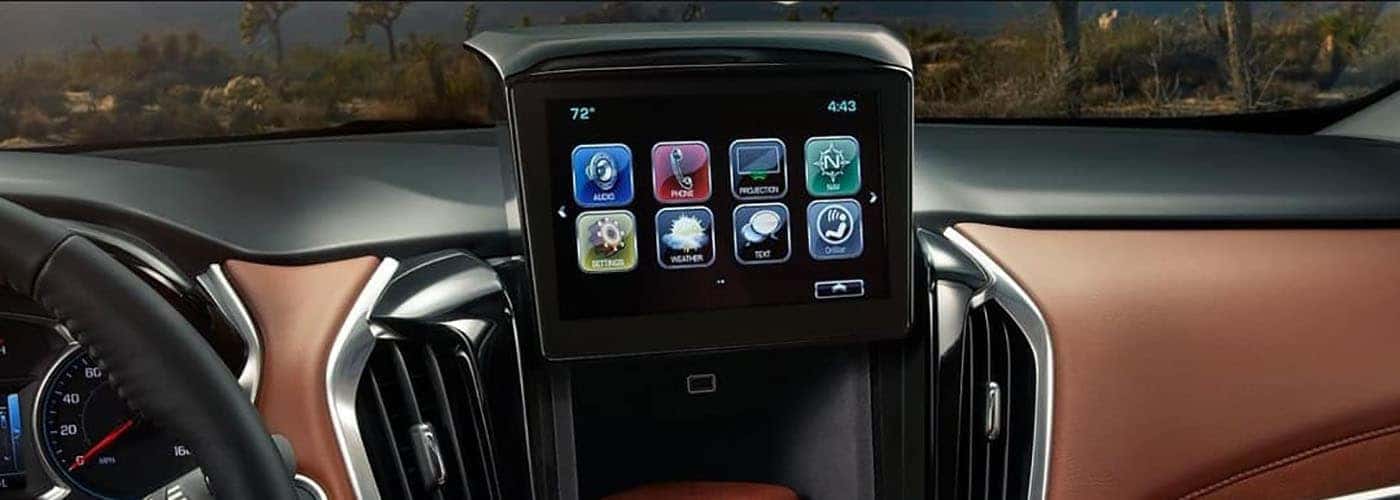
Chevy MyLink is Chevy’s new state-of-the-art infotainment system that offers drivers smartphone app integration and 4G LTE WiFi connectivity.But how do you connect to Chevy MyLink in order to easily access all the technologies it offers? Get in touch with the Beaver Chevrolet team to find out how to connect to Chevy Wi-Fi and more!
It’s quick and easy to connect your vehicle to the 4G LTE WiFi technology. Simply follow these steps:
In addition to providing mobile Wi-Fi internet, Chevy MyLink also improves how you interact with other technology in the vehicle including:
Experience Chevy Wi-Fi, find out more about other features available with Chevy MyLink, and more in a new Chevy model when you visit Beaver Chevrolet for a test drive. We also offer new vehicle specials to help you save more on your favorite Chevrolet model. Have questions in the meantime about our models, genuine OEM Chevy parts, want to compare the Chevy Traverse vs. GMC Acadia, learn about the Chevy SUVs, or used SUV inventory, or want to know where to find a florist in Orange Park? Contact Beaver Chevrolet, your local Chevy retailer.
When it comes to finding the perfect vehicle that matches your lifestyle, Jacksonville residents have a stellar option in Beaver Chevrolet. With an extensive inventory and a commitment to customer satisfaction, Beaver Chevrolet is not just a dealership—it’s a gateway to your next adventure. Whether you’re cruising to work, heading out for family road trips,…
Introduction Introducing the new 2024 Chevrolet Trax, a small SUV that offers modern style and features for incredible value. The Trax is sleekly designed with sculpted curves and powerful RS trim options, featuring unique grilles, badging, and wheel choices of 18 or 19-inch. Inside you’ll find signature stitching along with a flat-bottom steering wheel and…
Introduction The Corvette E-RAY is the ultimate all-season sports car. Offering 655 horsepower and a responsive all-wheel drive system, it’s equally suited to tackling any terrain. With Michelin Pilot Sport All Season 4+ tires, you can enjoy a speedy ride in any weather. It’s the perfect combination of comfort and performance, making it the ideal…